
Best AI Carousel Generators in 2026: A Comprehensive Guide
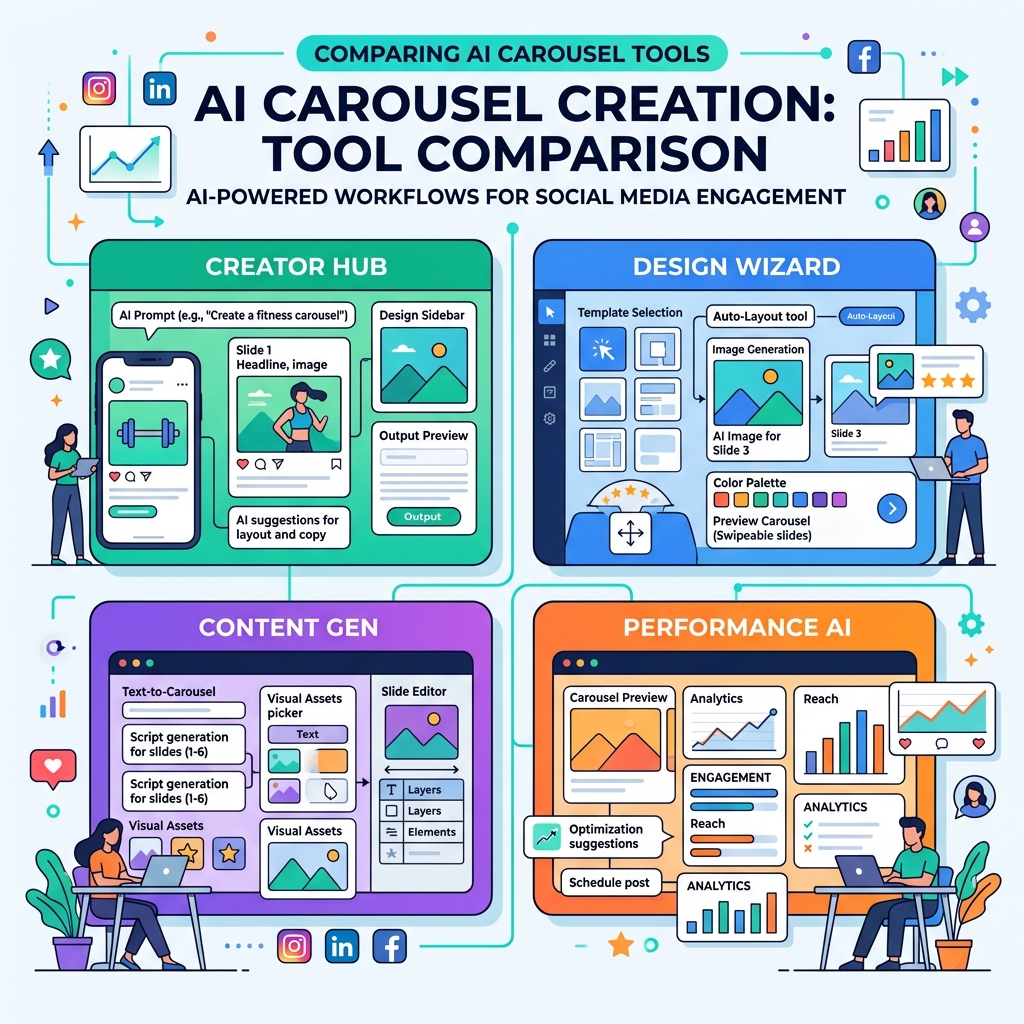
Creating engaging social media carousels used to require hours of meticulous work in complex design software. You had to brainstorm the copy, painstakingly design each slide, ensure consistent branding, and format it perfectly for platforms like LinkedIn or Instagram. In 2026, AI has completely revolutionized this workflow. AI carousel generators are now an essential part of any modern content creator or marketer’s toolkit.
However, with dozens of tools flooding the market, choosing the right one can be overwhelming. Some are great at generating text but terrible at design, while others offer beautiful templates but lack intelligent layout capabilities. In this comprehensive guide, we will explore what makes a great AI carousel generator, the top tools available this year, and how to choose the right one for your specific needs.
Why You Need an AI Carousel Generator in 2026
Before we dive into the specific tools, let’s talk about why you can no longer afford to ignore AI carousel creation:
- Unmatched Speed: The traditional process takes 2-4 hours per carousel. AI tools can reduce this to less than 10 minutes, allowing you to scale your content production significantly.
- Design Consistency: Maintaining a cohesive brand identity across multiple slides is hard. AI generators automatically apply your brand colors, fonts, and logos consistently.
- Optimized Engagement: Top-tier tools are trained on high-performing content, ensuring your carousels use proven layouts and pacing that keep users swiping.
- Overcoming Creative Block: Staring at a blank canvas is daunting. AI tools can instantly convert a simple text prompt, a blog post, or a URL into a fully fleshed-out presentation.
Key Features to Look For
Not all AI tools are created equal. When evaluating a carousel generator, consider these critical features:
- True Text-to-Design: Can the tool take raw text and automatically structure it into a logical, multi-slide story, or do you still have to manually map text to slides?
- Platform-Specific Exporting: LinkedIn requires PDF format for native document carousels, while Instagram requires standard images (1:1 or 4:5 ratio). A good tool must handle both effortlessly.
- Customization Depth: While AI does the heavy lifting, you still need granular control over typography, imagery, and layout elements to tweak the final result.
- Brand Kits: The ability to save your custom hex codes, logos, and specific brand fonts is non-negotiable for professional use.
Design Professional Carousels in Seconds
Stop wasting hours on complex design tools. Slidy Creator turns your text into stunning, high-converting social media carousels and presentations instantly. Stand out in the feed with premium templates and AI-driven layouts.
Evaluating the Top Contenders
While many tools exist, they generally fall into three categories:
1. General Graphic Design Tools with "AI Bolt-ons"
These are the household names in graphic design. They recently added AI text generation and magic resizing tools.
- Pros: Extremely deep customization; you can edit every single vector and pixel.
- Cons: They are not built specifically for carousels. The AI often feels disconnected from the layout engine, meaning you still spend a lot of time manually adjusting text boxes and alignments.
2. AI Copywriters with "Design Features"
These tools started as text generators (like ChatGPT wrappers) and eventually added image generation or basic templates.
- Pros: Excellent at structuring the narrative and writing engaging copy.
- Cons: The designs are often incredibly rigid. You might be limited to a few static templates with no ability to move elements around, resulting in carousels that look exactly like everyone else's.
3. Dedicated AI Presentation and Carousel Builders
This is where the magic happens. Tools in this category, like Slidy Creator, are built from the ground up to understand the relationship between text and multi-slide visual formats.
- Pros: Perfect synergy between copy and design. They automatically break down long text, select appropriate layouts, balance white space, and ensure visual hierarchy. They offer the speed of an AI copywriter with the aesthetic polish of a dedicated design tool.
- Cons: They are specialized tools, so they might not replace your software for editing complex videos or designing logos.
How to Choose the Right Tool for You
Your choice depends entirely on your workflow and goals:
- If you are a professional graphic designer who needs absolute pixel-perfect control over every single vector, a traditional design suite with AI features might still be your best bet, despite the slower workflow.
- If you are a founder, marketer, or content creator who needs to produce high-quality, high-converting carousels quickly without sacrificing professionalism, a dedicated AI carousel builder is the clear winner. The ROI on time saved is massive.
The Future of Carousel Creation
As we move further into 2026, the gap between traditional design and AI-driven design is closing rapidly. The best tools are no longer just automating tasks; they are acting as intelligent design partners, suggesting layouts that improve readability and engagement.
Stop struggling with misaligned text boxes and generic templates. Embrace the next generation of design tools and start creating content that commands attention.