
LinkedIn vs. Instagram Carousels: How to Adapt Your Content
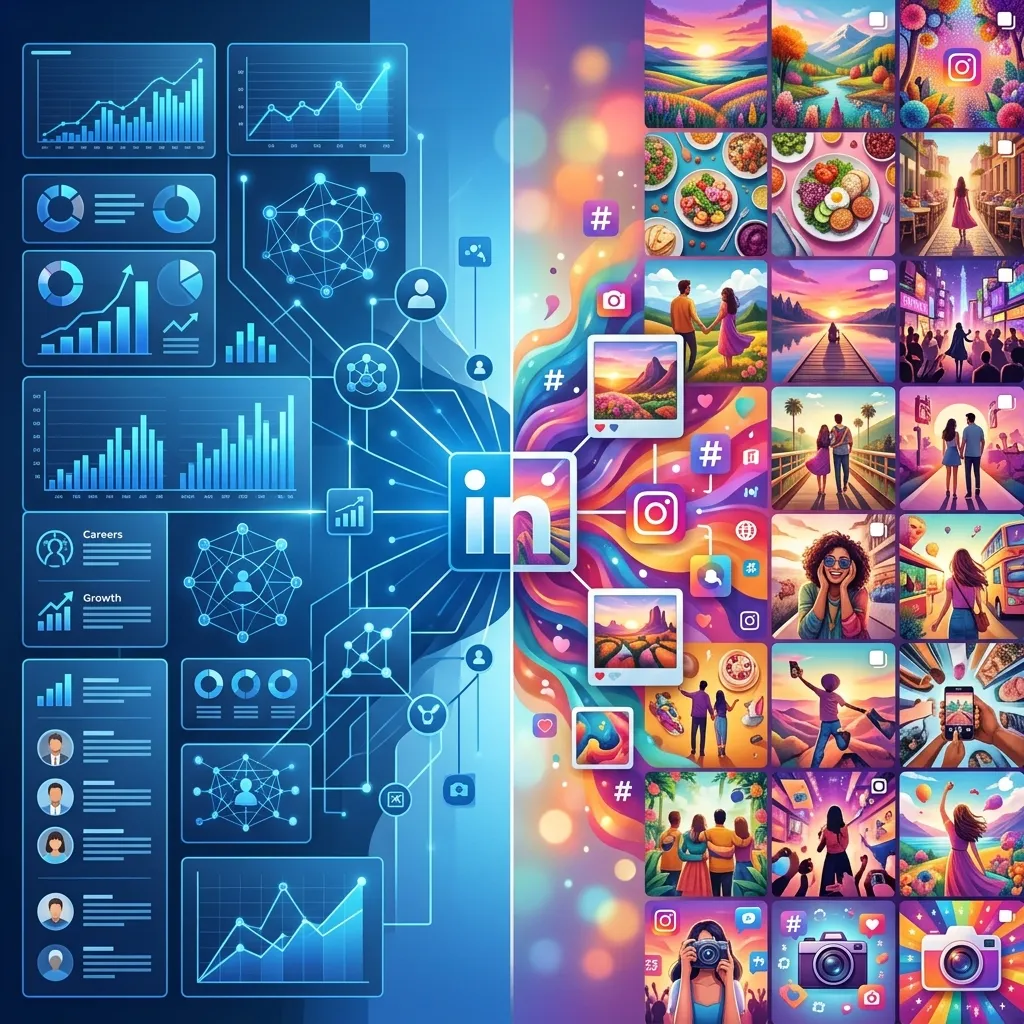
If you are sharing the exact same carousel on Instagram and LinkedIn, you are leaving engagement on the table. While both platforms heavily favor visual content, their audiences consume it in entirely different ways.
Instagram is built for quick visual hits, aesthetic pleasure, and emotional storytelling. LinkedIn is designed for professional growth, data-backed insights, and deep dives. Here is exactly how you should adapt your carousel strategy for each platform to maximize your reach and build real authority.
The Core Differences: A Quick Comparison
| Feature | Instagram Carousels | LinkedIn Document Carousels |
|---|---|---|
| Format | Image sequence (10 slides max) | PDF Document (uploaded as a post) |
| Pacing | Fast (3 seconds per slide) | Slow (reading like a mini-article) |
| Design | Aesthetic, colorful, minimal text | Clean, corporate, data-rich |
| Tone | Relatable, inspiring, casual | Authoritative, analytical, professional |
| Best For | Brand awareness, community building | Lead generation, B2B authority |
Adapting for Instagram: Aesthetic and Fast
On Instagram, you are competing with highly produced Reels and friends' vacation photos. You have about three seconds to stop the scroll.
Your visuals need to be vibrant, highly aesthetic, and extremely easy to digest.
- Format Options: Square (1:1) or Portrait (4:5). Portrait is preferred because it takes up more vertical screen space, keeping the user focused on your content longer.
- Text Density: Minimal. Aim for 15-20 words per slide. If it looks like a paragraph, they will skip it.
- Design Philosophy: Focus on seamless transitions (where graphics bleed across slides), bold typography, and lifestyle imagery.
Adapting for LinkedIn: Professional and Data-Driven
LinkedIn users are in a "work" mindset. They are actively looking for solutions to their professional problems and are willing to spend more time reading—especially if the content promises career or business value.
- Format Options: Always use the "Document" upload feature. By uploading a PDF, LinkedIn renders it as a native swipeable carousel, which currently boasts the highest engagement rate of any post type on the platform.
- Text Density: You can include significantly more context. 40-70 words per slide is acceptable, provided you break it up with bullet points or charts.
- Design Philosophy: Use data visualizations, frameworks, step-by-step diagrams, and a clean, corporate aesthetic. Avoid overly flashy neon colors unless it's part of your strict brand identity.
Step-by-Step Adaptation Example
You do not need to come up with entirely new ideas for each platform. You just need to repackage the core message. Let's say your core idea is: "5 Tips for Better Time Management."
The Instagram Version
- Slide 1 (Hook): Bold text over a clean gradient: "How I saved 10 hours this week."
- Slides 2-6 (The Meat): One punchy tip per slide. Example: "Tip 1: Time Blocking." paired with a minimalist icon of a calendar.
- Slide 7 (Relatable Moment): A relatable meme about getting distracted by TikTok.
- Slide 8 (CTA): "Save this post for your next busy Monday!"
The LinkedIn Version
- Slide 1 (Hook): Professional title card: "The Time Management Framework used by Fortune 500 CEOs."
- Slides 2-6 (The Meat): The tip, plus a data point or mini case-study. Example: "Phase 1: Time Blocking. Studies show context-switching costs up to 40% of your productive time. Here is how I structure my calendar blocks..."
- Slide 7 (Summary): A complete checklist or flow-chart summarizing the framework.
- Slide 8 (CTA): "What is the biggest time-waster in your current workflow? Let's discuss in the comments."
The Secret to Effortless Adaptation
Repackaging content manually takes hours. You have to resize images from 4:5 to 16:9 or standard document size, adjust text lengths, change the tone, and re-layout the design. But AI has changed the game.
Adapt your content in one click.
Why do the heavy lifting when AI can do it for you? With Slidy Creator, you can instantly adapt your Instagram carousels into professional, data-rich LinkedIn PDF documents. Change the tone, resize the layout, and swap the aesthetic without touching a single complex design tool.
The Takeaway
Your audience's mindset dictates how they consume content. An Instagram user wants to be inspired and entertained; a LinkedIn user wants to learn a tangible skill and network.
By adapting your tone and visual density to match the platform, you build trust and authority exactly where your audience is paying attention. Stop cross-posting identical files, start intelligently adapting, and watch your engagement skyrocket on both platforms.