
How to Turn Viral Twitter Threads into High-Converting Carousels
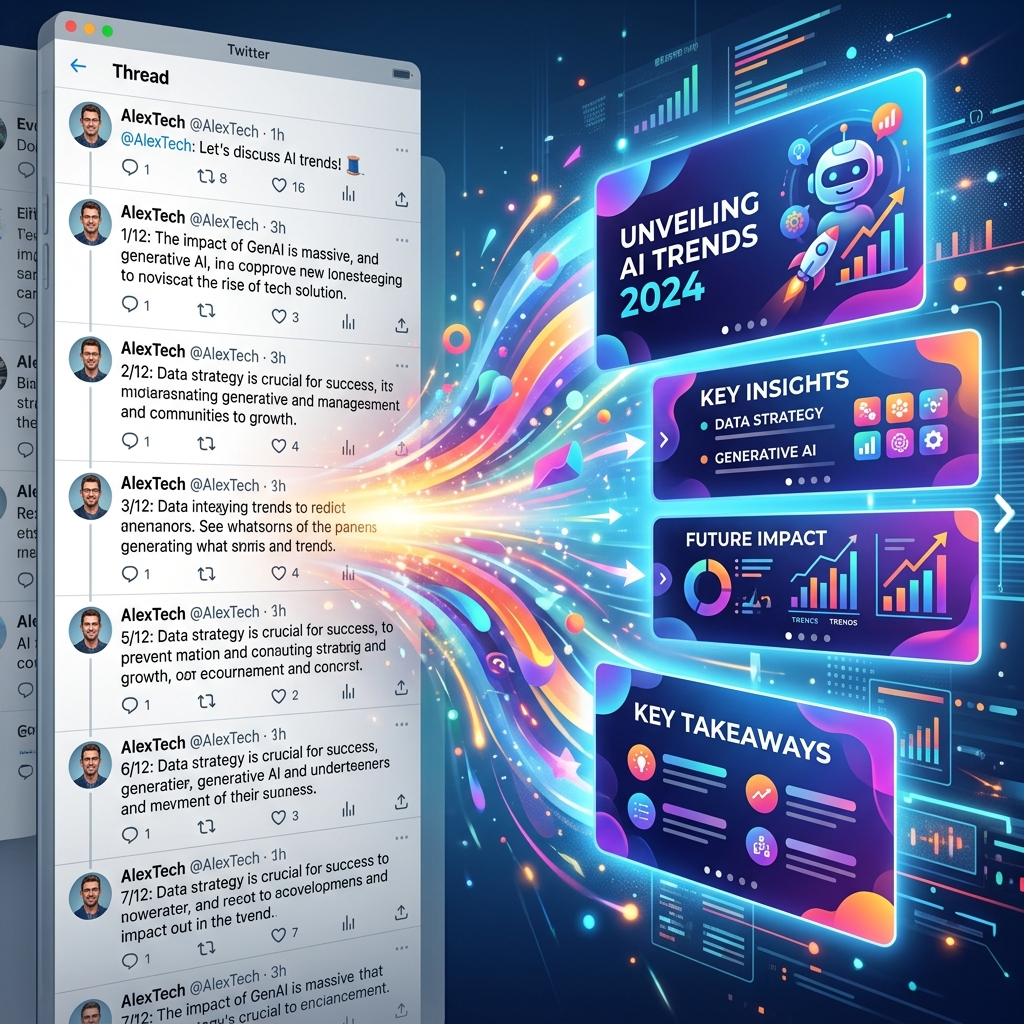
You spent hours researching, writing, and editing a brilliant 12-part Twitter (X) thread. You hit publish, and it goes viral. Thousands of likes, hundreds of retweets, massive engagement.
But 48 hours later? The algorithm moves on, and your masterpiece is buried forever under an endless stream of new content.
This is the tragic lifecycle of text-based social media. However, smart creators know that a viral thread is not a one-off event; it is a validated asset. If a concept resonated deeply on Twitter, the core idea is proven. Your next step is not to write something new, but to repackage that proven idea for platforms with longer shelf lives and different formats—specifically, LinkedIn and Instagram carousels.
Here is the step-by-step guide to transforming your text-heavy threads into visually stunning, high-converting presentations.
Why Repurpose Threads into Carousels?
- Risk-Free Content: You already know the audience cares about the topic. You are removing the guesswork from your content strategy.
- Cross-Platform Growth: A user who loves quick text hits on Twitter might never see your content. Repackaging it visually allows you to capture entirely new audiences on LinkedIn or Instagram.
- Higher Perceived Value: A well-designed, 10-slide PDF document on LinkedIn feels substantially more valuable and authoritative than a string of short text posts. It feels like a premium resource, which drives more saves, shares, and lead generation.
Step 1: The Content Audit and Extraction
You cannot just copy and paste 280-character tweets onto slides. Visual platforms require different pacing.
- Identify the Core Structure: Most good threads follow a standard format: Hook, Context, Points 1-X, and Conclusion/CTA.
- Condense the Fluff: Twitter encourages conversational filler. Ruthlessly edit your tweets down to their core essence. Remove transition sentences that only exist to link tweets together.
- The "One Idea Per Slide" Rule: If a single tweet contained two distinct points, split them into two separate slides. A slide should be instantly digestible.
Step 2: Rewriting the Hook for Visual Platforms
The hook that worked on Twitter might not work on LinkedIn or Instagram.
Twitter hooks often rely on clickbait tactics or creating open loops (e.g., "I analyzed 100 businesses. Here is what I found 🧵").
On visual platforms, your first slide must be highly descriptive and visually arresting. You need a strong title, a sub-headline, and an engaging background or image. Change the hook from a cliffhanger to a clear promise of value.
Twitter Hook: "Most people fail at cold email. I sent 10k emails last month and booked 40 meetings. Here is the framework." Carousel Slide 1: "The Cold Email Framework That Booked 40 Meetings" (paired with a clean chart or graphic).
Design Professional Carousels in Seconds
Stop wasting hours on complex design tools. Slidy Creator turns your text into stunning, high-converting social media carousels and presentations instantly. Stand out in the feed with premium templates and AI-driven layouts.
Step 3: Translating Text to Visual Layouts
This is where the magic happens, and where most creators get bogged down in hours of manual design work.
- Use Icons and Numbers: Instead of writing "Firstly," use a massive, bold number "1" or a relevant icon. Visual hierarchy is critical.
- Highlight Key Takeaways: Use bolding, different font colors, or highlighted text boxes to draw the eye to the most important metric or sentence on the slide.
- Break Up Text Walls: If a tweet was exceptionally long, turn it into a bulleted list on the slide. Nobody wants to read a wall of text in a carousel.
Step 4: The Intelligent Repurposing Workflow
Manually designing 10 slides from a thread is tedious. This is where modern AI tools become essential.
Instead of starting from scratch in a complex design suite, use a dedicated carousel builder. The workflow looks like this:
- Paste your refined thread text into the AI tool.
- Let the AI automatically distribute the text across multiple slides, ensuring optimal character counts and layout balance.
- Apply your pre-saved brand kit (colors, fonts, logos) with one click.
- Export as a high-resolution PDF (for LinkedIn) or standard images (for Instagram).
Step 5: The Platform-Specific Call to Action
Your Twitter CTA was probably "Follow me for more" or a link to your newsletter.
In a carousel, your final slide is prime real estate. Make it count.
- For LinkedIn: Encourage them to save the document for later or leave a specific comment to trigger the algorithm.
- For Instagram: Direct them to swipe to your profile link or share the post to their stories.
Conclusion
Content creation is exhausting. Do not let your best ideas die after 48 hours. By mastering the art of repurposing viral text threads into high-impact visual carousels, you can multiply your reach, establish deep authority, and get maximum ROI on every piece of content you write. Stop reinventing the wheel—just redesign it.