
Instagram Icons and Symbols Meaning: Every Icon Explained (2026)
You've been using Instagram for years. You tap those icons instinctively, sometimes without thinking about what they represent or what data they're surfacing. But when you're actually trying to grow — when you care about the difference between reach and impressions, or why a certain icon appears on some posts and not others — that instinctive familiarity isn't enough.
So what do the icons on Instagram actually mean? This is the complete breakdown: every significant symbol under posts, in Stories, in your DMs, and inside your analytics — what each one means and why creators should care.
Icons Under an Instagram Post
❤️ Heart (Like) The most recognized icon on Instagram. Tapping once likes a post; double-tapping the photo itself does the same. For creators, likes are the lowest-signal engagement metric — they're easy to give and don't carry much algorithmic weight compared to saves or shares.
💬 Speech Bubble (Comment) Opens the comments section. Comments are meaningfully higher engagement signals than likes — they require more effort from the viewer and generate notification loops that bring people back to your post. The algorithm weights comments significantly, especially when they're substantive (more than 4 words).
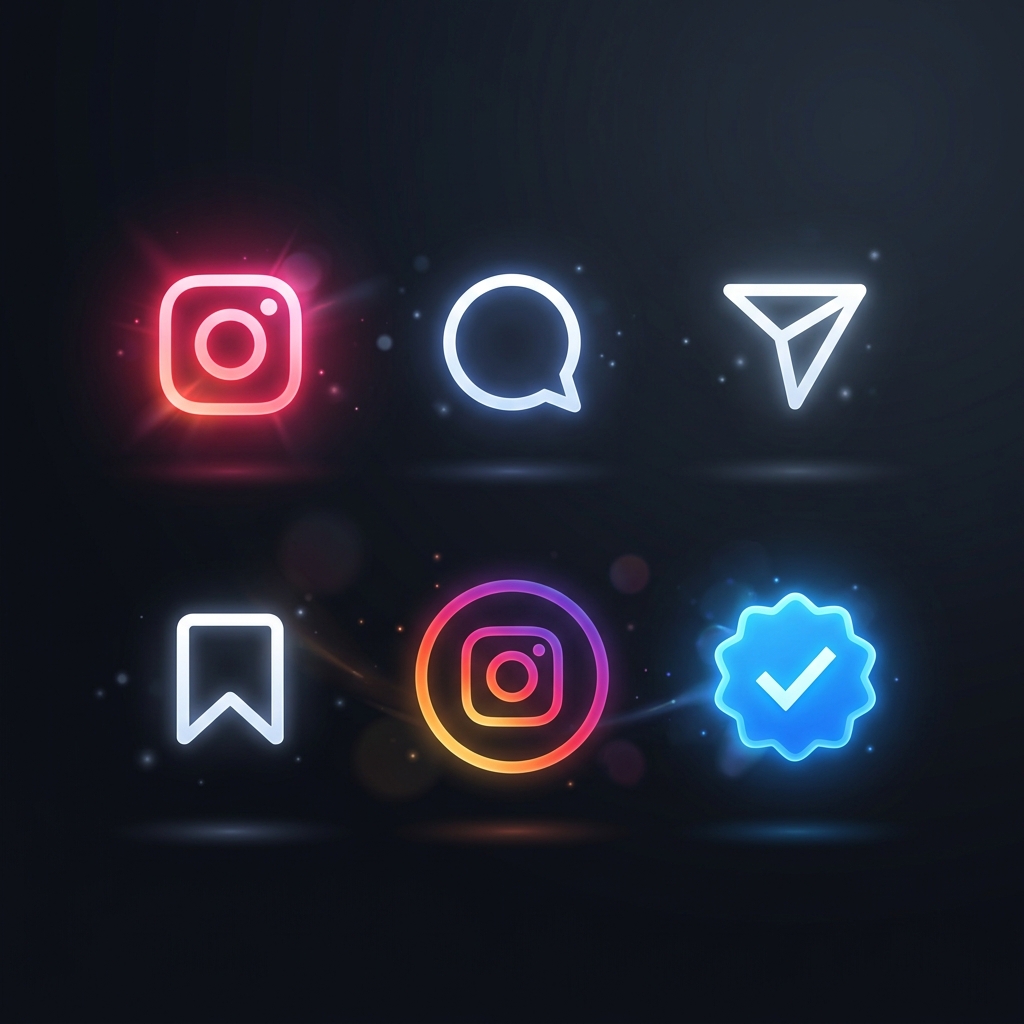
✈️ Paper Airplane (Share / Direct Message Send) Tapping this opens a menu for sharing the post via DM to individuals or groups. For creators, shares to Stories are the highest-distribution engagement you can receive from a follower — it puts your content in front of their entire audience. If people are sharing your posts to their Stories, that's a major positive signal.
⇄ Two Arrows (Repost) Added in 2025. Tapping it reposts the post to your own profile under a Reposts tab, and it can appear in your followers' feeds with the original creator credited. Unlike a Story share, it doesn't expire, and the likes and comments it collects belong to the original post. The full breakdown of the row under a post covers how it differs from Share.
🔖 Bookmark (Save) The bookmark icon saves a post to a private collection. Saves are arguably the single most valuable engagement metric on Instagram — they signal that someone found your content valuable enough to return to. The algorithm treats saves as a strong indicator of content quality and rewards saved posts with expanded reach.
... (Three Dots / More Options) Opens a contextual menu with options: "Not Interested," "Report," "Share to," "Copy Link," and others depending on your relationship to the account. For creators, monitoring the "Not Interested" signals (which Instagram reveals in aggregate in your insights) can surface content types your audience is quietly tuning out.
Instagram Story Icons and What They Tell You
⭕ Colored Ring Around Profile Photo An active Story. The gradient ring (Instagram's characteristic orange-pink gradient) appears around any account with an unviewed Story. Accounts you've already viewed show a grey ring. For creators, your ring's visibility depends on how recently you've engaged with viewers' accounts — Instagram's algorithm buries Stories from accounts users don't regularly interact with.
🟢 Green Ring Around Profile Photo A Close Friends Story. If you see a green ring, that account added you to their Close Friends list and posted a Story only that list can see. Creators increasingly use Close Friends as a private layer for their most engaged followers — or as a paid community perk.
⚡ Lightning Bolt Appears in Stories to indicate a Boomerang (looping video) was used for that Story segment. Not a critical creator metric, but good to recognize.
👁️ Eye (Story Views) When viewing your own Story, this shows how many accounts have seen it. Tap it to see who viewed and which viewers reacted. A steep drop-off in Story views across your Story sequence tells you where you lost people's attention.
📎 Link Icon (Story Link) The chain link or "link" icon in Stories (available to all accounts now, not just those with 10K followers as it used to be) allows you to add an external URL. For creators, Story links are the primary mechanism for driving Instagram traffic to external pages — your website, your product, your newsletter. If you're not using Story links, you're leaving real traffic on the table.
Stories have their own layer of symbols beyond these — sticker types, viewer-side reactions, and the navigation metrics behind your Story analytics. The full breakdown is in Instagram Story icons explained.
Insights Icons (Creator Analytics)
👥 People Icon (Reach) In your post insights, this represents unique accounts reached. This is the most fundamental measure of distribution — how many distinct people saw your content, regardless of how many times.
📊 Bar Chart (Impressions) Total number of times your content was displayed, including multiple views from the same account. Impressions that significantly exceed reach means people are rewatching or revisiting — a positive signal.
💾 Disk Icon (Saves) When you see saves in your insights, this number should receive serious attention. Track it post-to-post. The content types with the highest save rates tell you exactly what your audience finds most valuable. Build more of that.
↗️ Arrow Up-Right (Profile Visits from Post) How many people visited your profile after seeing this specific post. High profile visit rates from a post indicate a strong hook or enough curiosity to investigate who you are. Low rates despite high reach suggests the content didn't communicate your value proposition.
👤 Person with Plus Sign (Follows from Post) Followers gained directly attributed to a specific post. Track which content types drive follows versus which drive engagement without conversion — the distinction reveals what's attracting your audience versus what's retaining them.
DM and Inbox Icons
✉️ Envelope / Message Icon Your DMs. Primary inbox shows messages from accounts you follow or have interacted with. The "Message Requests" section shows messages from accounts you don't follow — this is where creator opportunities often hide: partnership requests, media coverage, collaboration proposals from smaller accounts.
🔇 Mute Icon (Bell with Slash) Muting a conversation stops notification push without deleting or blocking. Useful for creators managing high-volume DM inboxes.
DMs carry more status symbols than any other part of the app — delivery states, the green Active Now dot, disappearing photo icons, vanish mode. Every one of them is decoded in Instagram DM icons and symbols.
Profile-Level Symbols
✅ Blue Checkmark (Meta Verified) Verification has evolved. The blue checkmark now indicates either Meta Verified (paid subscription) or legacy verification (bestowed by Instagram for notable accounts). For audience trust, checkmarks still carry some credibility signal — but sophisticated audiences understand the distinction between purchased and earned verification.
🏢 Category Label The grey text under an account's name ("Creator," "Musician," "Athlete," etc.) is the business/creator category. This is set in your account settings under "Category." It influences how Instagram classifies your account for ad targeting and recommendation purposes.
📍 Location Tag A tagged location that appears under the profile name on posts or in the bio. Location tags improve local discoverability — if someone searches for content near a specific location, tagged posts appear.
The Creator's Takeaway
Most people use Instagram by feel, not by understanding. That might be fine for casual use. For serious creators, every icon is a data point or a lever — saves tell you what content to make more of, share icons tell you how distribution works, Story links tell you how to drive traffic. And if you spend most of your time in short video, the Reels interface has its own set of buttons and badges — covered in Instagram Reels icons explained.
The creators who grow consistently aren't those who post more than everyone else. They're the ones who read their data more carefully than everyone else — and adjust based on what the icons are actually telling them.
Start this week: go back through your last 10 posts and look at the saves metric specifically. Find the two highest-saving posts. Ask yourself: what made those worth saving? The answer is your next content brief.
Frequently Asked Questions
What do the icons under an Instagram post mean?
From left to right: the heart likes the post, the speech bubble opens comments, the paper airplane shares the post to a DM or your Story, and the bookmark saves it to a private collection. The three dots open a menu with options like Copy Link, Not Interested, and Report.
What does the paper airplane icon on Instagram mean?
The paper airplane is the share button. Tapping it lets you send the post to someone in a DM or add it to your own Story. For creators, shares to Stories are one of the strongest distribution signals a post can earn.
What does the colored ring around an Instagram profile picture mean?
A gradient orange-pink ring means the account has an active Story you haven't watched yet. A grey ring means you've already viewed it. A green ring means the account added you to their Close Friends list and posted a Close Friends Story.
What do the symbols next to an Instagram username mean?
A blue checkmark means the account is verified through Meta Verified or legacy verification. The grey text under a name (Creator, Musician, Athlete) is the account's chosen category. A location line means the account tagged a place.
What is the difference between reach and impressions on Instagram?
Reach counts unique accounts that saw your content. Impressions count total displays, including repeat views from the same account. Impressions running well above reach means people are coming back to your post — a positive signal.