
Why AI is Beating Manual Design for Social Media Carousels in 2026
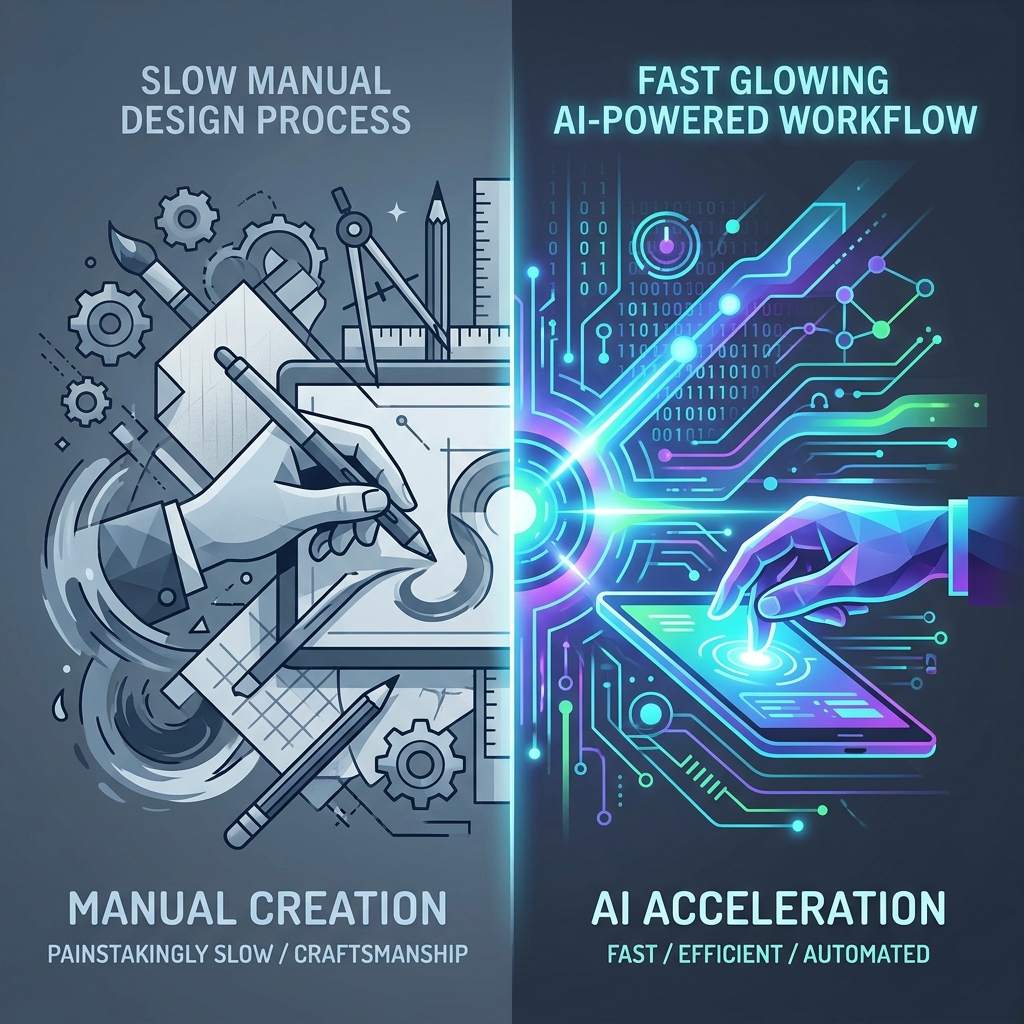
There used to be a quiet badge of honor attached to spending four hours on a single 10-slide LinkedIn carousel. You'd open Figma, meticulously align text boxes, hunt for the right stock photo, obsess over padding, and ultimately post something that got 47 likes and two comments from your mom and your colleague.
Meanwhile, the creator next to you published three carousels this week using AI, each of them got 2,000+ saves, and she spent about 20 minutes per post.
This isn't about cutting corners. It's about understanding what the game actually rewards — and making smarter decisions about where your creative energy goes.
Why Manual Design Became a Bottleneck
The core problem with manual carousel creation isn't that it produces bad work. It's that it takes so long that most creators simply don't do it consistently. You know the feeling: you have five ideas for posts, you mentally budget an afternoon to design all of them, life happens, and by Friday you've published zero.
Manual design in Canva, Figma, or Photoshop involves a surprisingly long chain of decisions:
- Structuring the narrative — deciding how many slides, what order, what flow
- Choosing a template or building from scratch — and customizing it to match your brand
- Writing and fitting copy — making sure text doesn't overflow, fonts scale correctly, hierarchy is readable
- Sourcing visuals — finding images, icons, or illustrations that actually match your message
- Maintaining consistency — ensuring slide 8 looks like it belongs with slide 2
- Exporting and resizing — different platforms want different dimensions
On average, a professional carousel created manually takes between 2 and 4 hours. Factor in revisions, and that number climbs. If you want to post three times per week, that's potentially 12 hours just on design — before you've written a single word of caption.
The manual process isn't wrong. It's just expensive at scale.
What AI Actually Does Differently
The early criticism of AI design tools was fair: they produced generic, stiff results that looked like every other template on the internet. Anyone could tell the post was built by a machine. That era is over.
Modern AI carousel tools — including Slidy Creator — don't just style your text. They analyze the structure of your content and make editorial decisions: which points deserve their own slide, where the narrative needs to breathe, what visual hierarchy will keep a reader swiping. The AI has processed thousands of high-performing posts and learned the patterns that drive completion rates.
Here's what actually happens when you use an AI-first workflow:
- You input your idea — could be a voice note, a URL, a block of text, or just a topic
- The AI structures the narrative — breaking content into slides with a hook, body, and CTA
- Layouts are generated automatically — typography, spacing, visual balance
- Your brand kit is applied — if you've saved your colors and fonts, every slide reflects your identity
- You review and refine — typically 5-10 minutes of light editing vs. hours of building from zero
The result isn't a magic carousel that you never touch. It's a solid draft that cuts your production time by roughly 80%.
The Numbers: AI vs. Manual Side by Side
Let's look at the metrics that actually matter:
| Metric | AI-Generated | Manual Design |
|---|---|---|
| Production time | ~18 minutes | 2–4 hours |
| Cost per carousel | <$1 (subscription) | $75–$300 (designer or time) |
| Slide completion rate | ~71% | ~67% |
| Engagement rate | ~3.4% | ~4.2% |
| Typography quality | Solid but templated | Superior in 64% of cases |
| Scalability | 10+ carousels/week easily | 2–3 per week realistically |
The honest takeaway: manual design still wins on engagement rate and typographic quality. But AI wins on everything else — especially the metric creators underestimate most: volume without burnout.
A marketer managing content for five clients using AI tools can produce in a week what used to take a month. One documented example: a digital agency reduced their weekly design workload by 20+ hours in March 2025 by switching to AI-first production, while increasing output by 300%.
When to Stick with Manual Design
AI isn't the right answer for every post. There are specific situations where manual design still earns its place:
Product launches and rebrand announcements. These are your flagship moments. The carousel you use to announce a major product should feel like it had human hands all over it — custom illustrations, precise typography, deliberate visual decisions.
High-stakes B2B presentations. When your audience is a boardroom or senior executives, the level of craft expected is different. Polished precision signals competence in a way that template-adjacent design doesn't.
Content that requires complex infographics. If you're visualizing a multi-variable dataset or a detailed process flow, AI tools struggle with the nuance. A skilled designer handling this manually will almost always produce a more readable result.
Building your brand identity for the first time. The initial pass at your visual identity — colors, fonts, layout philosophy — deserves human deliberation. AI is great at maintaining a style, not at defining it from nothing.
The Smart Move: A Hybrid Workflow
The best creators aren't choosing between AI and manual. They're running a hybrid system.
A practical split that works: use AI for 80-85% of your routine content — educational posts, tips, repurposed ideas, trend-driven carousels — and reserve manual design for the 15-20% of posts that define your brand identity or mark major moments.
The hybrid method produces carousels that sit between the two benchmarks on engagement — around 3.9% average, which is significantly better than AI-only while costing a fraction of fully manual production time.
The workflow looks like this:
- Open Slidy Creator, paste your outline or topic
- Let AI generate the first draft of slides
- Spend 10 minutes reviewing: rewrite the first slide hook to be sharper, ensure headlines are 2–3x larger than body text, swap any generic imagery for something more specific
- Export and post
You get professional-looking carousels, you post consistently, and you still sound like a human being instead of a template.
The Deeper ROI: What You Do With Reclaimed Hours
Here's what most productivity comparisons miss. The hours you don't spend on manual design don't just sit there saved. They redirect. When design is no longer a bottleneck, creators report spending more time on the things that actually compound over time:
- Writing sharper hooks and captions
- Engaging in comments and building relationships
- Developing their point of view on trending topics
- Experimenting with new formats before they get saturated
Manual design is time-intensive in a way that crowds out the strategic thinking that builds an audience. AI design clears the runway.
Frequently Asked Questions
How do I stop AI carousels from looking generic?
Upload your brand kit — your exact hex colors, your preferred fonts, your logo. AI tools that support brand kits apply your identity consistently across every slide. Then spend a few minutes customizing the hook slide manually. The first slide is where first impressions happen; make it unmistakably yours.
What should I always manually edit in an AI-generated carousel?
Three things: the hook (slide one, always rewrite it), the CTA (make it specific to your offer, not a generic "learn more"), and any factual claims the AI may have generated incorrectly. The structural middle slides usually need very little work.
Is AI carousel design good enough for LinkedIn?
LinkedIn rewards value and clarity, not production complexity. An AI-generated carousel that clearly teaches something in 8 well-structured slides will outperform a beautifully designed manual carousel that buries the insight under visual complexity. On LinkedIn especially, the idea beats the aesthetics.
The conclusion isn't that manual design is dead. It's that using manual design for every carousel is unsustainable, and the creators who figured that out earlier are compounding that advantage every week they post three times while everyone else is still moving pixels around.