
Platform-Specific Social Media Formats: The Ultimate Guide
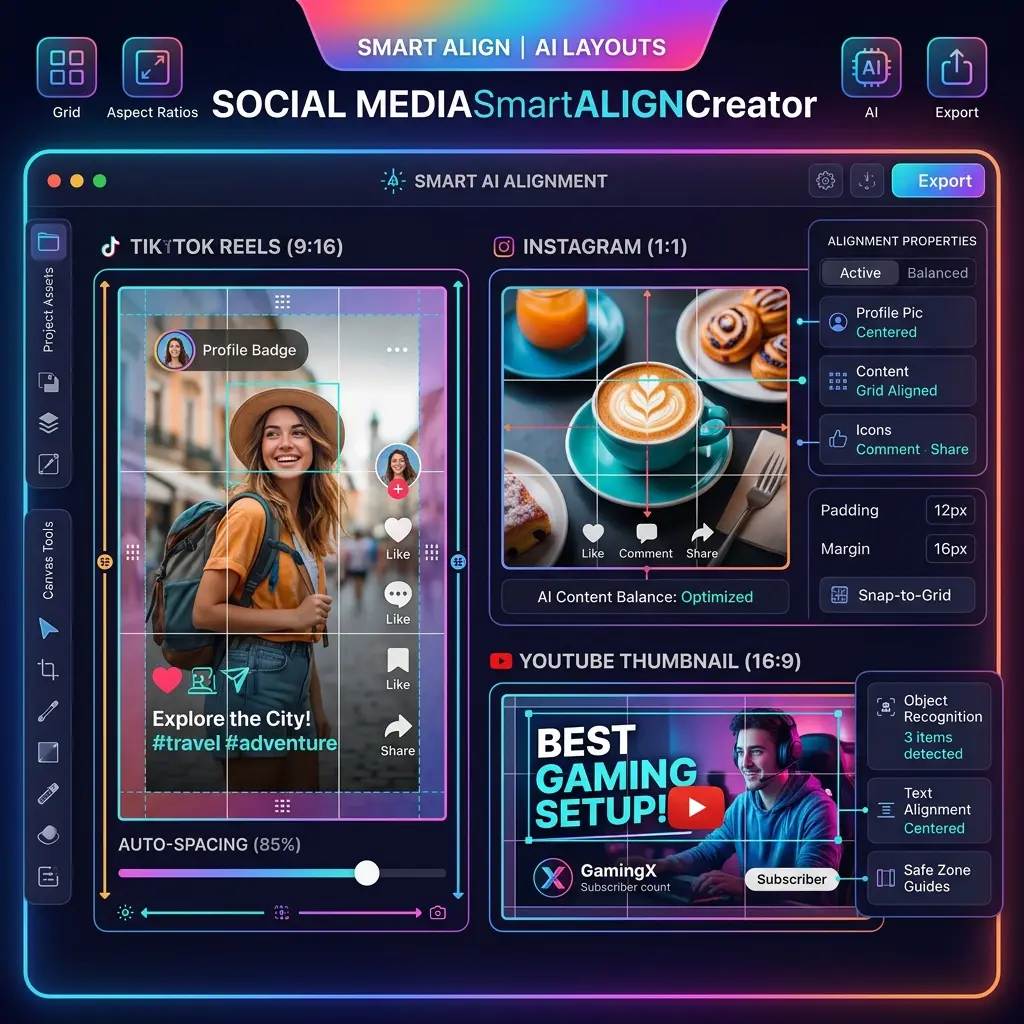
A common mistake among new creators and businesses is treating all social media platforms as if they were identical. They create a landscape video for YouTube and blindly upload it to TikTok, or post a square graphic on Pinterest. The result? Cut-off text, black bars, and terrible engagement.
Every platform has its own native "language" and preferred dimensions. If you want the algorithms to favor your content, you must play by their rules. Here is your definitive guide to platform-specific social media formats.
Instagram: The Vertical Visual Hub
Instagram is heavily biased toward vertical content, primarily to keep users immersed in the app on their phones.
- Carousels & Images: The optimal size is 1080 x 1350 pixels (a 4:5 aspect ratio). While 1:1 squares are acceptable, the 4:5 ratio takes up more screen real estate, increasing the chances of users stopping their scroll.
- Reels: Must be 1080 x 1920 pixels (9:16 aspect ratio). Keep the most important text within the center "safe zone" to avoid being covered by the caption and engagement buttons.
LinkedIn: The Professional Document Center
LinkedIn prioritizes readability and professional insights. It is unique because it natively supports PDF documents, which it renders as swipeable carousels.
- Document Carousels (PDF): The best format is 1080 x 1080 pixels (square) or 1080 x 1350 pixels. Uploading a multi-page PDF generates massive engagement as it keeps users on the post longer.
- Text Posts with Images: High-resolution landscape (1200 x 627) or square formats work best. Keep text blocks short and separated by line breaks.
X (formerly Twitter): The Fast-Paced Feed
X moves incredibly fast. Visuals here need to be sharp and immediately comprehensible without requiring the user to click to expand.
- Images: The ideal ratio is 16:9 (1200 x 675 pixels). If you upload a vertical image, X will crop the preview, meaning users might miss the core message unless they click the image.
- Threads: The most popular format for deep dives. Break your knowledge down into bite-sized, 280-character chunks, using an engaging visual on the first tweet.
TikTok: Full-Screen Immersion
TikTok is uncompromising: it is a 9:16 (1080 x 1920) vertical video platform.
- Safe Zones: TikTok's UI is cluttered. You must ensure your text overlays are placed perfectly in the center. Avoid the right edge (icons) and the bottom 20% (captions).
- Photo Mode: TikTok's version of carousels requires 9:16 images synced to trending audio.
By respecting these native formats, you remove friction for the user, making your content look professional, native, and highly engaging on every platform.