
Carousel Storytelling: How to Turn an Instagram Post Into a Micro-Blog
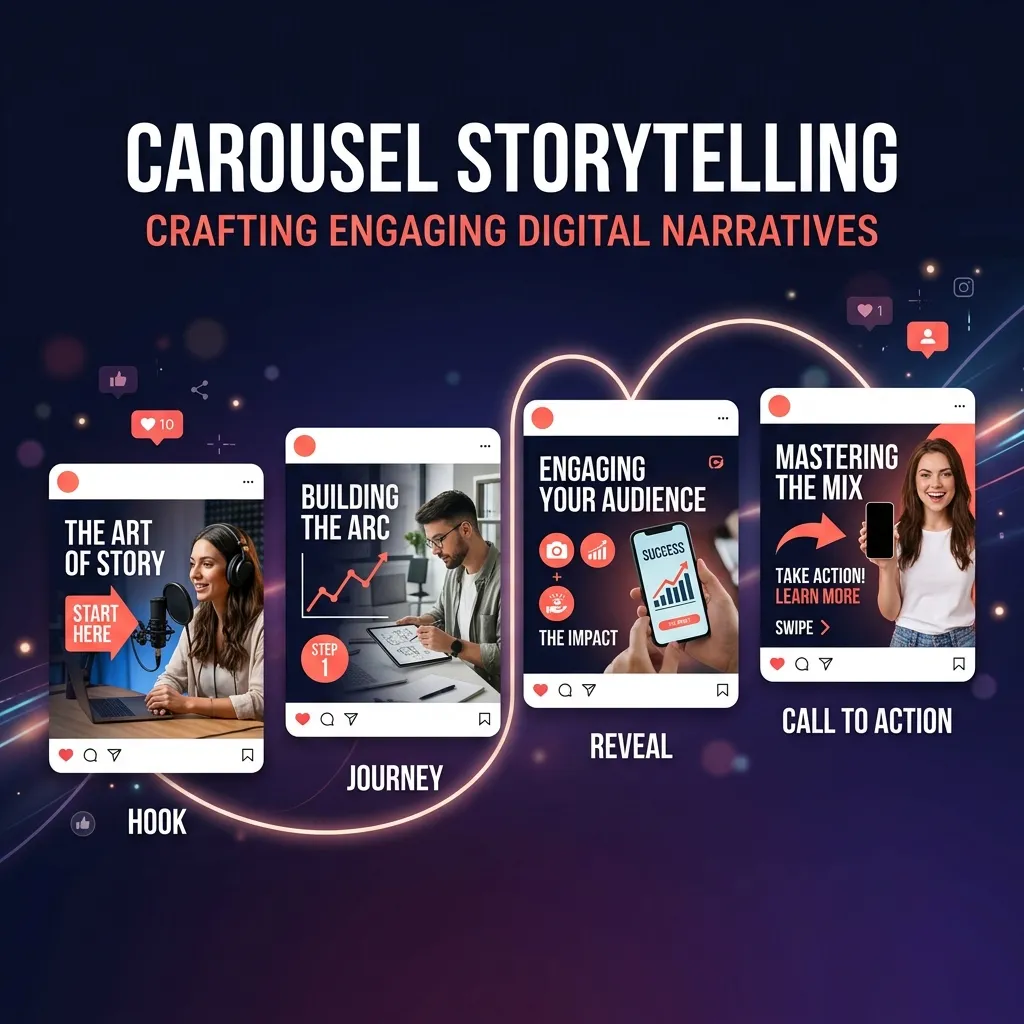
The carousels that perform best on my account aren't listicles. They're not "7 tips" spread across 7 slides. They're stories.
My most-shared carousel ever was basically a personal essay I could have written as a blog post. It had a beginning (the mistake I made), a middle (what I tried), and an end (the breakthrough). Ten slides. One narrative arc. No bullet points anywhere.
That post got more saves, shares, and genuine DM conversations than anything I'd posted in months — including posts that took three times as long to design. And it taught me something fundamental about carousels that changed how I create them: people don't save lists. They save stories that made them feel something.
Why Stories Outperform Lists
There's a biological reason stories work better than listicles. Human brains are literally wired for narrative. When we hear a story, our brains release oxytocin (connection), cortisol (tension), and dopamine (resolution). When we read a list of tips, our brains process information — but don't feel anything.
That emotional engagement translates directly to Instagram metrics:
- Saves increase because people want to re-experience the insight (not just re-read the tip).
- Shares increase because stories feel personal — sharing a story is sharing an experience, not just forwarding a link.
- Comments increase because stories invite "me too" responses. People see themselves in your narrative and want to share their version.
A listicle says "do this." A story says "here's what happened when I did this." The second one is inherently more compelling.
The 10-Slide Story Structure
Here's the framework I use for every story carousel:
Slide 1: The Hook. Drop the reader into a moment. Something happened. Something failed. Something surprising occurred. Don't set up context — start in the middle of the action.
Example: "Last March, I posted a carousel that got 12 likes. The same week, I posted one that got 12,000. The only difference was how I structured the story."
Slides 2–3: The Context. Now set the scene. Why does this matter? What was the situation before the event? Give just enough background for the story to make sense — but not so much that you lose momentum.
Slides 4–6: The Tension. This is the heart of the story. What went wrong? What didn't work? What obstacle appeared? What did you try that failed? Tension is what keeps people swiping. Without conflict, there's no reason to continue.
Slides 7–8: The Shift. The insight. The pivot. The moment something changed. This is where the lesson lives — but it's earned through the tension, not stated as a tip. The reader has been on the journey with you. The insight lands harder because they felt the struggle first.
Slide 9: The Takeaway. One clear, actionable lesson the reader can apply to their own situation. Not three lessons. Not a summary of everything. One thing.
Slide 10: The CTA. A question that invites the reader to share their own experience, a prompt to save for later, or a reason to follow. This slide converts the emotional engagement into an action.
Three Story Arc Types (Not Just One)
The mistake and breakthrough arc above is the most common — but it's not the only one. Here are three story shapes I rotate between:
Arc 1: The Failure → Lesson
"I tried X. It failed. Here's what I learned." This is the classic. It works because vulnerability is disarming and the lesson feels earned.
Example for a fitness creator: "I followed a strict diet for 12 weeks, lost 15 lbs, and then gained 20 back in 2 months. Here's the one thing I'd change."
Arc 2: The Experiment → Discovery
"I tested X for Y days. Here's the data." This is less emotional and more analytical, but it works because it satisfies curiosity and provides concrete proof.
Example for a marketing creator: "I removed all hashtags from my posts for 60 days. My reach went up 22%. Here's why I think that happened."
Arc 3: The Before → After Transformation
"Here's where I was. Here's where I am. Here's the bridge between them." This arc is inherently aspirational — the reader sees themselves in the "before" and wants to reach the "after."
Example for a creator coach: "A year ago, I was posting daily and gaining 2 followers a week. Today I post 4 times a week and gain 200. The shift wasn't about effort — it was about structure."
Rotating between these arcs keeps your content feeling fresh even when you're always telling stories. Each arc triggers different emotions and appeals to different reader motivations.
Visual Pacing in Story Carousels
A wall of text on a carousel slide kills the story. Even the best narrative falls flat if every slide looks like a paragraph from a textbook.
Rule 1: No slide should have more than 40 words. If a slide exceeds this, split it into two. Story carousels need breathing room. The white space between text creates pacing — it's the visual equivalent of a pause in speech.
Rule 2: Alternate between text-heavy and text-light slides. Follow a dense slide (the context or lesson) with a lighter slide (a single powerful sentence or a question). This rhythm prevents reader fatigue and creates natural momentum.
Rule 3: Use visual emphasis for emotional beats. When you reach the shift moment — the insight, the breakthrough — make that slide visually different. Larger text, different color, centered alignment. The visual change signals to the reader: "Pay attention. This is the important part."
Rule 4: The last slide should feel like an ending. Don't just slap a "follow for more" on it. Use a single reflective sentence, a question that echoes the opening, or a powerful summary statement. A good ending leaves the reader sitting with the story for a moment.
How to Find Your Stories
"I don't have any good stories" is the most common objection I hear from creators. You do. You just haven't identified them yet.
Your stories live in three places:
Failures and mistakes. What's something you tried that didn't work? What did you believe was true that turned out to be wrong? Every failure contains a lesson, and lessons wrapped in failure stories are more memorable than lessons presented as tips.
Transitions and pivots. When did you change your approach? What prompted the change? What happened after? Transitions are inherently dramatic because they involve a before and after.
Observations and patterns. What have you noticed that others haven't? What pattern keeps showing up in your work, your industry, or your audience? Observations position you as someone who thinks deeply about your craft.
Write down 10 moments from the past year that surprised you, frustrated you, or taught you something. Each one is a potential story carousel. You'll never run out of content again.
Common Storytelling Mistakes in Carousels
Mistake 1: Starting with backstory. "So I've been a content creator for 3 years and I started because…" Nobody cares about your origin story on slide 1. Start with the hook. Start with the moment.
Mistake 2: No tension. If everything in your story went smoothly, it's not a story — it's a status update. "I tried this thing and it worked great" has no narrative energy. What almost went wrong? What was the risk? What doubt did you feel?
Mistake 3: The lesson doesn't match the story. If your story is about failing at consistency but your lesson is about using hashtags, the reader will feel misled. The lesson should feel like the inevitable conclusion of the journey you just described.
Mistake 4: Too many lessons. One story. One lesson. If you have three takeaways, you have three separate story carousels. Don't compress.
The creators who build the deepest connections with their audience are the ones who share what actually happened — not just what should happen. Tips are useful. Stories are unforgettable. Tell yours.